


Visual LightBox
 Image Lightbox
 Lightbox features
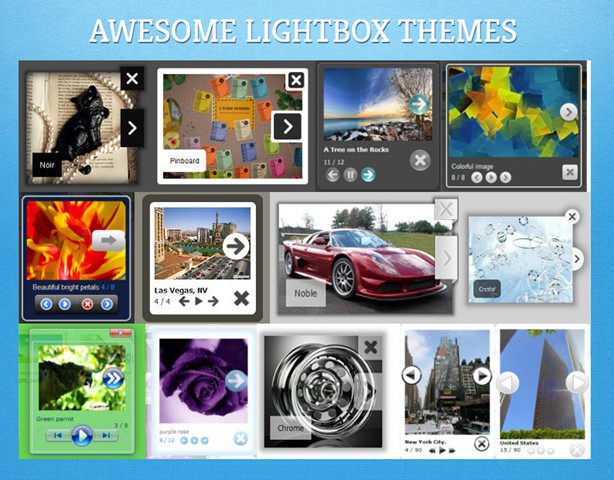 Lightbox themes
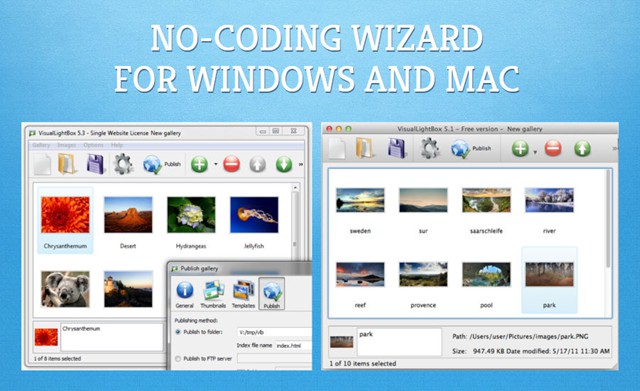 Lightbox wizard


 Free Download
  More Demos
-
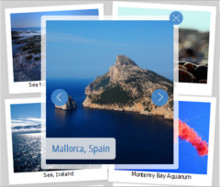 jquery image lightbox with zoom
Monochrome Theme
with Round Window thumbnails
jquery image lightbox with zoom
Monochrome Theme
with Round Window thumbnails
-
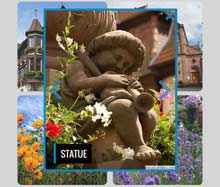 lightbox stock photos
Route Theme
with Simple HTML Frame thumbnails
lightbox stock photos
Route Theme
with Simple HTML Frame thumbnails
-
 free lightbox gallery
Modern Theme
with Round Frame thumbnails
free lightbox gallery
Modern Theme
with Round Frame thumbnails
Would like lightbox image to sit in my page with no white background
Q: I'm trying to incorporate the lightbox image into my website.
I am using the way of only showing one thumbnail & I would like this to
sit in my page body on it's own with no white background so that the finished page
will show my whole website's main background.
Can you please let me know how to remove this so that the white background doesn't
overwrite my main template background which is an image.
A: You should do the following:
open Gallery->Properties->Thimbnails: Thumbnails format,
select 'PNG' format from the drop down list.
Related
VisualLightBox
